The Best Worldschooling Apps and Websites We Actually Use (By Age and Subject)
When we first started travelling full time with our son, one of the biggest questions people asked was, “How does he actually learn?”
The answer is that worldschooling isn’t just museums, historical sites and learning from the places you visit. We explain the bigger picture in what is worldschooling. Those experiences are amazing, but they work best when they’re supported by more structured learning too.
Over the last few years we’ve tried quite a few educational apps and websites. Some lasted a week before everyone lost interest. Others have become part of our routine and have travelled with us through dozens of countries.
These are the ones we genuinely recommend because we’ve actually used them ourselves. We’ve organised them by age and subject to make it easier to find what might work for your family. If you want the bigger picture first, our full worldschooling resources guide covers everything else too: flights, accommodation, insurance and remote work.
Worldschooling Travel Planner
One of the challenges of worldschooling is keeping track of all the learning that happens along the way. We wanted something simple that helped us record what our son was learning without turning travel into school at a desk. So we created our Worldschooling Travel Planner — a flexible way to document the places you visit, the subjects you explore, the museums you discover, the books you read, and all those unexpected learning moments that happen while travelling. It has become an easy way for us to see just how much learning is happening beyond the classroom — and to keep a meaningful record of our son’s education as we travel the world.
Learning to Read (Ages 3 to 7)
If your child is just starting to read, these were some of our favourites.
Homer
Homer is one of the best early learning apps we’ve found for younger children. It teaches reading through stories, games and songs rather than endless worksheets.
The lessons feel more like play than school, which helps keep younger kids interested.
It’s aimed mainly at preschool and early primary school children. We used this app with our son when he was 3 year old, and he loved it. It was very effective in helping him learn how to read.
Best for:
- Ages 3 to 6
- Letter recognition
- Early reading
- Vocabulary
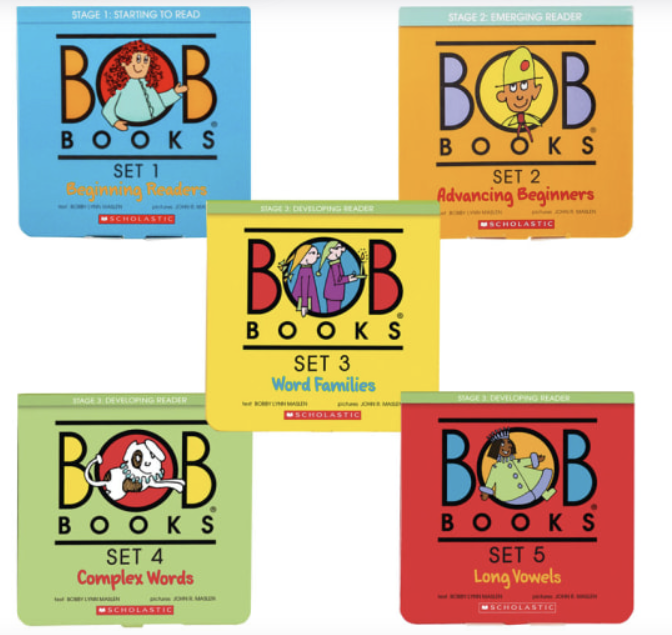
Bob Books
Bob Books have been around for years, and for good reason.
The app follows the same simple phonics approach as the famous books. Children start with very short words and gradually build confidence without becoming overwhelmed.
One thing we liked is that the stories are intentionally simple. They give children the chance to actually read a whole book on their own quite early, which is a big confidence boost.
Best for:
- Ages 4 to 7
- Phonics
- First readers
- Building reading confidence
Maths Apps
Maths is one subject that’s much easier to keep consistent while travelling. These are the apps we’ve had the most success with.
Khan Academy Kids
Although Khan Academy Kids includes reading and other subjects, we used it a lot for maths in the early years.
Everything is completely free, which still feels unusual these days.
The activities gradually become more challenging and there are enough different exercises that it doesn’t feel repetitive.
Best for:
- Ages 2 to 8
- Early maths
- Reading
- General learning
Prodigy Math
If your child likes video games, there’s a good chance they’ll enjoy Prodigy. Our son loved this app when he was 5-7 years old, as he is really into magic, gaming and dungeons and dragons (math, not so much), and this app has a bit of everything.
Instead of simply answering maths questions, children solve problems to progress through an adventure game.
It’s one of the few educational apps where many kids genuinely ask to play.
The free version is excellent, although there is a paid membership with additional features.
Best for:
- Ages 6 to 12
- Primary school maths
- Making maths more fun
Beast Academy
Beast Academy is probably our favourite maths programme that we used when our son got older and was ready for something more challenging.
It’s designed for kids who enjoy solving problems rather than memorising procedures. The lessons are presented through comic books and interactive activities, making quite advanced maths feel much less intimidating.
It definitely isn’t the easiest programme on this list, but that’s part of what makes it so good.
If your child enjoys puzzles, they’ll probably love Beast Academy.
Best for:
- Ages 6 to 13
- Advanced primary maths
- Logical thinking
- Problem solving
Coding
Learning to code turned out to travel surprisingly well. All you need is a laptop and half an hour, and it’s one of those skills that’s useful no matter where our son ends up living as an adult.
CodeMonkey
CodeMonkey teaches real coding, not just drag-and-drop blocks, through a series of puzzle-based games. Kids write actual code to move a monkey through a maze, collect bananas and solve increasingly tricky challenges, and the game format means they barely notice how much syntax they’re picking up along the way.
We like that it starts simple enough for a complete beginner but scales up to real code by the later levels, so it’s not something our son will outgrow after a few weeks.
Best for:
- Ages 7+
- Beginner to intermediate coding
- Kids who like puzzle and adventure games
Scratch
Scratch is a free, block-based coding platform built by MIT, and it’s probably the best starting point for any child curious about how games and apps actually get made.
Instead of typing code, kids drag and snap blocks together to build their own animations, games and interactive stories. It’s completely free, there’s no login required to try it, and the community side lets kids share what they’ve built and remix other people’s projects, which our son finds almost as fun as building his own.
Best for:
- Ages 8 to 14
- Visual, block-based coding
- Kids who want to build actual games rather than complete exercises

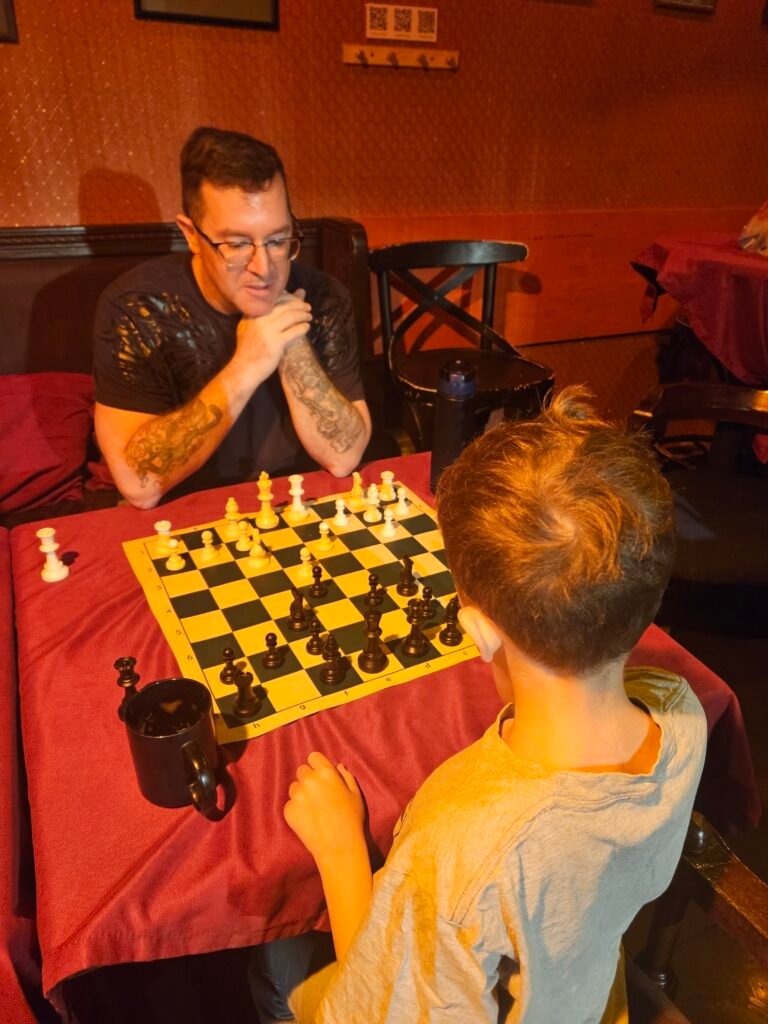
Chess
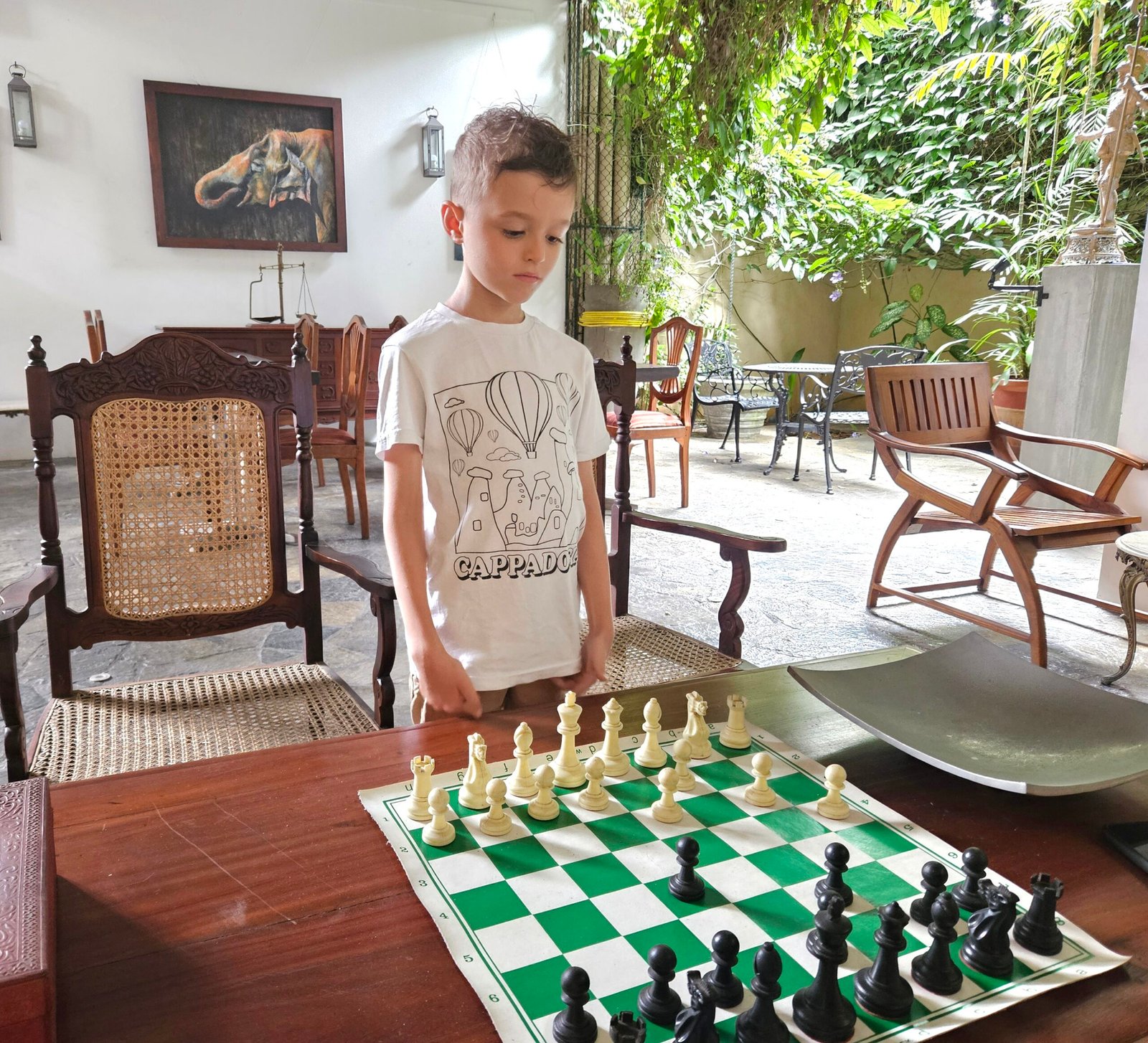
Chess turned out to be one of those quiet, unexpected wins. It travels light (all you need is a phone or laptop), it’s the same game in every country, and it sneaks in a surprising amount of maths and logic without ever feeling like a lesson.
Chess.com
Chess.com is where our son actually learned to play properly. The lessons build up from the absolute basics, there are puzzles to solve every day, and he can play against the computer or real opponents whenever he wants a game. The kids’ version keeps things age-appropriate, while the puzzle rush and daily puzzles keep it interesting even once the novelty of “just playing” wears off.
Best for:
- Ages 6+
- Structured lessons and daily puzzles
- Playing against the computer or other people
Lichess
Lichess is the free, no-ads alternative, and it’s genuinely excellent. There’s no paywall on any of it: puzzles, lessons, analysis and unlimited games are all free, which makes it an easy one to hand over to a kid without worrying about upsells. It’s a little less polished for younger children than Chess.com, but it’s our go-to once our son wants to play without any distractions getting in the way.
Best for:
- Ages 8+
- Completely free play, puzzles and analysis
- Kids who already know the basics and want to keep improving
Online Tutoring
Preply
Sometimes an app simply isn’t enough.
We’ve used Preply for both maths and Spanish lessons, and it’s been one of the best investments we’ve made in our son’s education.
Being able to choose teachers from around the world means you can usually find someone who matches your child’s personality and learning style.
It’s also incredibly flexible, which is perfect when you’re constantly moving between countries and time zones.
We’ve booked lessons from apartments, hotels, Airbnbs and even the occasional quiet café.
Best for:
- Maths tutoring
- Language tutoring
- Flexible scheduling while travelling
Language Learning
Travelling naturally exposes children to different languages, but we still like having a bit of structure.
Duolingo
Duolingo is probably the best-known language app, and for good reason.
The lessons are short enough to fit into busy travel days, and the game-like approach helps keep children motivated.
It’s a great way to practise vocabulary and build consistency.
Rosetta Stone
Rosetta Stone takes a different approach.
Instead of translating everything into English, it teaches languages through pictures and context.
It requires a little more concentration than Duolingo, but many people find it helps with thinking directly in the new language instead of mentally translating every sentence.
If you’re planning to spend several months in one country, it’s worth considering.
History and Science
These subjects are where worldschooling really shines.
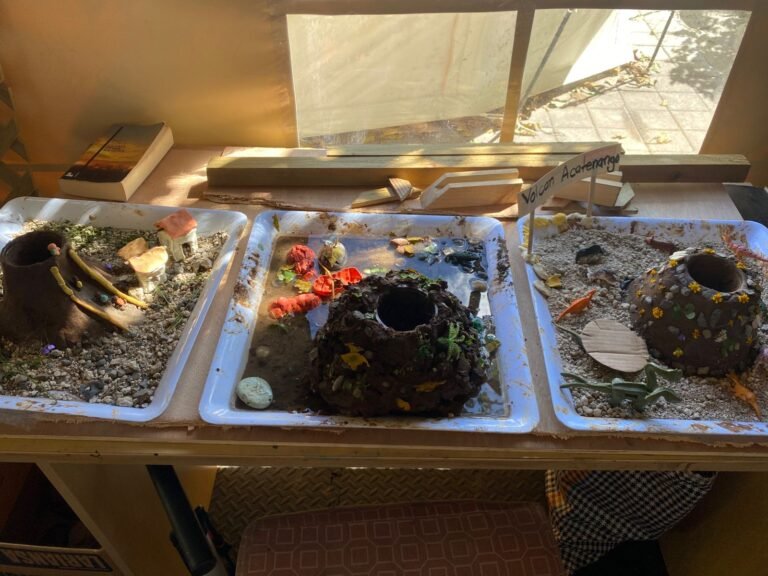
There’s nothing quite like visiting Ancient Rome after learning about it, or exploring volcanoes after studying geology.
Still, having some structured resources makes those experiences even more meaningful. We lean heavily on YouTube for this subject, so here are the channels that have earned a permanent spot on our watch list.
Crash Course
Crash Course has become one of our favourite educational YouTube channels.
The videos explain history, science, geography and many other subjects in a way that’s engaging without talking down to children.
For younger kids, you’ll probably want to watch together and pause occasionally to explain new ideas.
For older children and teenagers, many episodes work brilliantly on their own.
It’s completely free and there’s an enormous library covering almost every subject you can think of.
Our favourite topics include:
- World History
- Biology
- Astronomy
- Geography
- Chemistry
- Physics
SciShow Kids
For younger children, SciShow Kids breaks down big science questions into short, colourful episodes that hold a five or six year old’s attention without dumbing anything down.
Best for:
- Ages 4 to 8
- Everyday science questions
SciShow
Once kids are ready for something a bit more grown up, the main SciShow channel covers everything from space to psychology in fast, engaging episodes that work well for tweens and teens.
Best for:
- Ages 10+
- General science
Geography Now
Geography Now goes through every country in the world one at a time, covering culture, history, food and politics. Since we’re usually somewhere new every few weeks, we’ll often watch the episode for wherever we’re headed next before we arrive, which turns out to be a genuinely good way to prime a kid for a new country.
Best for:
- Ages 9+
- Geography and culture
- Prepping for the next destination
TED-Ed
TED-Ed turns big ideas and historical mysteries into short animated lessons. The episodes are polished, well researched and usually end with a genuine “wait, really?” from our son, which is about the highest praise an educational video can get in our house.
Best for:
- Ages 8+
- Short, animated deep dives on a single topic
Book Series Our Son Loves
Some of the best history lessons we haven’t had to plan at all. Our son has read these series cover to cover, more than once, and they’ve done as much for his grasp of mythology and ancient history as anything structured we’ve thrown at him.
Percy Jackson and the Olympians (Rick Riordan)
Percy Jackson was the series that got our son properly hooked on reading, and on Greek mythology at the same time. A modern-day kid discovers he’s a demigod and gets pulled into a world of Greek gods, monsters and quests, and it makes names like Zeus, Poseidon and Athena feel like characters he actually knows rather than names in a textbook.
Best for:
- Ages 9 to 13
- Greek mythology and history
- Adventure fiction
The Kane Chronicles (Rick Riordan)
The Kane Chronicles does for Ancient Egypt what Percy Jackson does for Greece. Two siblings discover they’re descended from Egyptian pharaohs and get caught up in a world of Egyptian gods, magic and hieroglyphs. It’s a great companion if you’re planning to visit Egypt, or if your child is already fascinated by mummies and pyramids.
Best for:
- Ages 9 to 13
- Ancient Egyptian mythology and history
- Adventure fiction
Magnus Chase and the Gods of Asgard (Rick Riordan)
Same author, this time Magnus Chase takes on Norse mythology. Odin, Thor, Loki and the nine worlds all make an appearance, and it paired nicely with the time we spent learning about Vikings in Scandinavia. If your child has already worked through Percy Jackson and the Kane Chronicles, this is the natural next series.
Best for:
- Ages 10 to 14
- Norse mythology and history
- Adventure fiction
The Roman Mysteries (Caroline Lawrence)
The Roman Mysteries takes a different approach to the others on this list. It’s a detective series set in the actual Roman Empire, following a group of children solving mysteries around Pompeii, Ostia and beyond. The historical detail is meticulous rather than mythological, which made it a great companion once our son had already fallen in love with Ancient Rome through the demigod books.
Best for:
- Ages 8 to 12
- Ancient Roman history
- Mystery and detective fiction
The Explorer (Katherine Rundell)
The Explorer is the odd one out here, no gods or mythology, just four children surviving a plane crash in the Amazon rainforest and learning to fend for themselves. It’s beautifully written, genuinely tense in places, and works well alongside any time spent learning about rainforests, survival or South America.
Best for:
- Ages 9 to 12
- Geography, survival and nature
- Adventure fiction
Which Apps Do We Use Most?
If we had to narrow it down, these are the resources we keep coming back to:
- Homer for learning to read.
- Bob Books for building reading confidence.
- Khan Academy Kids for younger learners.
- Prodigy Math for making maths enjoyable.
- Beast Academy for more advanced maths.
- CodeMonkey and Scratch for learning to code.
- Chess.com and Lichess for chess.
- Preply for live maths and Spanish lessons.
- Duolingo for quick daily language practice.
- Rosetta Stone for deeper language learning.
- Crash Course, SciShow, Geography Now and TED-Ed for history and science.
- Percy Jackson, the Kane Chronicles, Magnus Chase, the Roman Mysteries and The Explorer for history-rich reading he actually asks for.
A Few Things We’ve Learned
After several years of worldschooling, we’ve realised that no app is perfect. Children get bored. Interests change. Sometimes a resource that’s a huge success one month won’t be touched the next. That’s completely normal.
We’ve found it’s much better to use a handful of high-quality resources consistently than to download every educational app you come across.
The real magic of worldschooling still happens outside the screen. Apps can teach fractions. Walking through the Roman Forum brings history to life. A language app can teach vocabulary. Ordering lunch in a local café gives children the confidence to actually use it.
The combination of structured learning and real-world experiences is what has worked best for our family, and these are the resources that have helped us along the way.
If you’re just starting your own worldschooling journey, don’t feel like you need everything on this list. Pick one or two resources that fit your child’s age and interests, and build from there. Sometimes less really is more.
For everything else on the logistics side of worldschooling, from flights and visas to insurance and remote work, see our complete worldschooling resources guide.



5 Comments